Amazonのアソシエイトとして、ラズパイダ(raspida.com)は適格販売により収入を得ています。詳しくは当サイトの プライバシーポリシーをご覧ください。
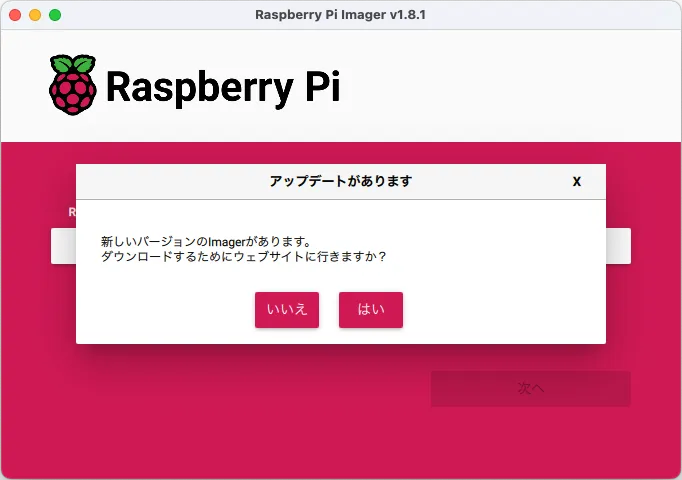
バージョンアップの通知があったから1.8.1から1.8.3へバージョンアップさせました。でも、1.8.3は11/17にアップデートとあった。
ん? 12/17の間違いでは?と思ったけど、通知がなぜ今なのか不思議。その間も使っていたのにな。
ホーム:OS リストを積極的にダウンロードするようにデバイスフィルタリングが再調整されました
OSリスト:「推奨」タグの注釈を修正
i18n: zh-TW繁体字中国語翻訳を追加
i18n: 韓国語、ドイツ語、ウクライナ語、翻訳を更新

埋め込みなしのlibdrm依存要件を修正
共通:QMLキャッシュを完全に無効にする
OSのカスタマイズ:cloudinitペイロードのみが利用可能な場合、使用を許可する
OSのカスタマイズ:「オープン」WiFiネットワークに空のPSKを許可します。
OSリスト:ImageList v4 URLを使用する

システム要件

必要な最小オペレーティングシステムバージョン:

ウィンドウズ7
Mac OS X 10.15
Ubuntu 22.04
リリースノート
細かい部分は一見すると分かりにくいですね。
OSのリストを「eagerly」の意味って? 積極的に? 熱心に? 意欲的に?
ちょっとよく分かりませんが、これまではリストを更新ダウンロードするタイミングが少なかったってことなのかな?
バグが多いためバージョンアップはしておいた方が良いでしょう。
よく分からないけどエミュレーターは多過ぎ
以前にも書いたけど、エミュレーションとゲームOSにある「Lakka」のイメージ数が異常に多い気がする。
Raspberry Pi のモデル違いはどのOSイメージもあるけど、その他のデバイスが多いと思う。最早、Raspberry Piは関係ない気がしてならない。
ゲームROMを扱っているわけではなく、単にエミュレーターだから問題はないけど、海外の人がエミュレーターで遊べるよってのはグレーだと思う。
Raspberry Piをソニーが生産していることから、同じソニーグループ系のゲームはなんとなく見逃されているとは思うけど、Raspberry Pi でレトロゲームを遊べるってのはちょっと問題だな。今は昔と違い吸い出ししてもグレーでしょう。海外では法律が異なるからなんとも言えないけどね。
とにかく、エミュレーターは3種類(RetoroPie、Recalbox、Lakka)が選べてOSイメージ数が多すぎるよ。
■Pi 5は8GBモデルがオススメ



v1.8.3直後で収録されているOS
OSのリストはjsonファイルを読み込ませている関係で、動的に変わると思われます。ダウンロード先であるサーバを覗くと結構頻繁に、時には毎日(?)のように更新されています。
バージョンアップするからだとは思いますけど、OSイメージが追加・削除された情報はどこかでリリースしているのだろうか? 知らない。
次のURLにある「os_list_imagingutility_v2〜v4.json」ファイルが更新されています。
https://downloads.raspberrypi.org
バージョンは記事執筆時点です。ざっとすべて並べてみます。
いくつかのOSは少し古いバージョンでそれぞれ試していますので、どんなOSかリンク先をご覧ください。
Raspberry Pi OS
Raspberry Pi OS Lite (64-bit)
Raspberry Pi OS Full (64-bit)
Raspberry Pi OS Lite (32-bit)
Raspberry Pi OS Full (32-bit)

Raspberry Pi OS (Legacy, 32-bit) Lite
Raspberry Pi OS (Legacy, 32-bit) Full
Raspberry Pi OS (Legacy, 64-bit) Lite
Raspberry Pi OS (Legacy, 64-bit) Full
Ubuntu
Ubuntu Desktop 23.10 (64-bit)

Ubuntu Server 23.10 (32-bit)
Ubuntu Server 23.10 (64-bit)

Ubuntu Desktop 22.04.3 LTS (64-bit)

Ubuntu Server 22.04.3 LTS (32-bit)
Ubuntu Server 22.04.3 LTS (64-bit)
Ubuntu Server 20.04.5 LTS (32-bit)
Ubuntu Server 20.04.5 LTS (64-bit)

Ubuntu Core 20 (32-bit)
Ubuntu Core 20 (64-bit)
Ubuntu Core 22 (32-bit)
Ubuntu Core 22 (64-bit)
Apertis
Apertis v2023 headless image
Apertis v2023 OSTree headless image
Apertis v2023 graphical image
Apertis v2023 OSTree graphical image

Apertis (development release)
Apertis v2025dev0 headless image
Apertis v2025dev0 OSTree headless image
Apertis v2025dev0 graphical image
Apertis v2025dev0 OSTree graphical image

Apertis (daily build)
Apertis headless image (daily build)
Apertis OSTree headless image (daily build)
Apertis graphical image (daily build)
Apertis OSTree graphical image (daily build)
RISC OS Pi
RISC OS (5.28)
Media player OS
LibreELEC (RPi4)

OSMC (Pi 2/3)
OSMC (Pi 4 / Pi 400)

Volumio

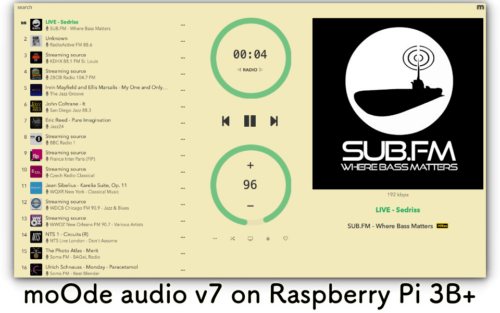
moOde audio player 8.3.7 (64-bit Bullseye)
moOde audio player 8.3.7 (32-bit Bullseye)
投稿が見つかりません。
Emulation and game OS
RetroPie 4.8 (RPI 1/Zero)
RetroPie 4.8 (RPI 2/3/Zero 2 W)
RetroPie 4.8 (RPI 4/400)

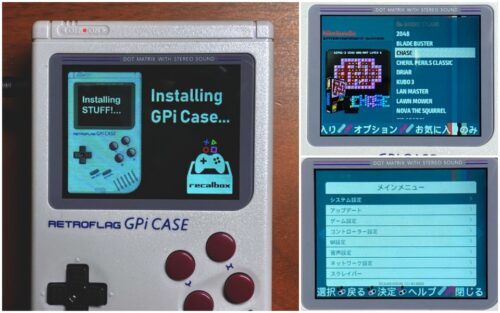
Recalbox - Raspberry Pi 4 / 400 / CM4 / GPiCase2 / PiBoyDMG
Recalbox - Raspberry Pi 3
Recalbox - Raspberry Pi Zero 2 / GPiCase2W
Recalbox - Raspberry Pi Zero 2 + GPiCase1
Recalbox - Raspberry Pi 2
Recalbox - Raspberry Pi Zero / 1 / GPiCase1

Lakka 4.3 - Pi 4 / Pi 400 (64-bit)
Lakka 4.3 - Pi 3 / Pi Zero 2 (64-bit)
Lakka 4.3 - Pi 2 / Pi 3 (32-bit)
Lakka 4.3 - Pi / Pi Zero (32-bit)
※以下、Lakkaはかなり多い(250個くらい)ため省略
Other specific-purpose OS
OctoPi (stable)
OctoPi (new camera stack)

OctoPi-Klipper (stable)

Mainsail OS 1.2.1 32-Bit (recommend)
Mainsail OS 1.2.1 64-Bit

SimplyPrint - 3D print anywhere, smarter
SimplyPrint OS (aka. SimplyPi - latest)

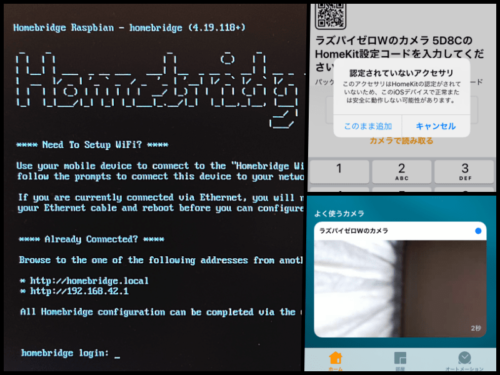
Homebridge bookworm (32bit)
Homebridge bookworm (64bit)

Home Assistant OS 11.2 (RPi 4/400)
Home Assistant OS 11.2 (RPi 3)
Home Assistant OS Installer for Yellow

RaspberryMatic 3.73.9.20231130 (Pi 4, Pi 400)
RaspberryMatic 3.73.9.20231130 (Pi 3, Pi Zero 2, ELV-Charly, CCU3)
RaspberryMatic 3.73.9.20231130 (Pi 2)
RaspberryMatic 3.73.9.20231130 (Pi Zero, Pi 1)
RaspberryMatic Nightly Snapshots
RaspberryMatic 3.73.9.20231216-251743 (Pi 4, Pi 400)
RaspberryMatic 3.73.9.20231216-251743 (Pi 3, Pi Zero 2, ELV-Charly, CCU3)
RaspberryMatic 3.73.9.20231216-251743 (Pi 2)
RaspberryMatic 3.73.9.20231216-251743 (Pi Zero, Pi 1)

nymea:core image
nymea:kiosk image

Gladys Assistant (64-bit)
Gladys Assistant (32-bit)

openHABian (Raspberry Pi OS lite 32 bit)
openHABian (Raspberry Pi OS lite 64 bit)

Anthias (pi1)
Anthias (pi2)
Anthias (pi3)
Anthias (pi4)

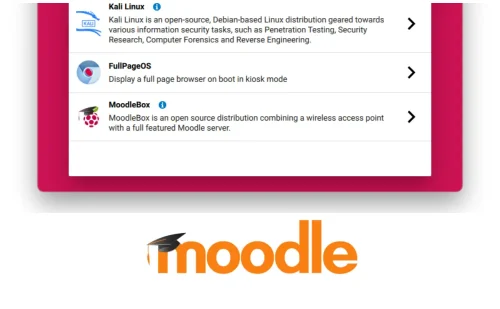
Kali Linux
 Raspberry Pi 2, 3, 4 and 400 (32-bit)
 Raspberry Pi 2 (v1.2), 3, 4 and 400 (64-bit)
 Raspberry Pi 5 (64-bit)
 Raspberry Pi 1 (Original)
 Raspberry Pi Zero 2 W
 Raspberry Pi Zero 2 W (PiTail)
 Raspberry Pi Zero W
 Raspberry Pi Zero W (PiTail)

FullpageOS (Stable)
FullpageOS (Nightly)
FullpageOS (Nightly)

MoodleBox v4.6.0

Falcon Player (FPP)
 FPP v7.4 Pi
 FPP v7.4 BBB
 FPP v7.3.1 Pi
 FPP v7.3.1 BBB
 FPP v7.2 Pi
 FPP v7.2 BBB
 FPP v7.1 Pi
 FPP v7.1 BBB
 FPP v7.0 Pi
 FPP v7.0 BBB
 FPP v6.3
 FPP v6.2
 FPP v6.1.1

DAKboard OS

投稿が見つかりません。
Freemium and paid-for OS
info-beamer OS
info-beamer OS (testing)

Screenly Player (RPi 3B/3B+)
Screenly Player (RPi 4)

Yodeck Digital Signage Player

1Play Digital Signage (Pi1, Pi2, Pi3, Pi4)

PrintWatch (latest)

Android by emteria
 Android 14 (RPi 5)
 Android 14 (RPi 4B, CM4, 400)
 Android 13 (RPi 4B, CM4, 400)

TLXOS RPi 4.11.1 (latest)
TLXOS RPi 4.8.3 (LTS)
TLXOS RPi IoT 4.11.1 (latest)
Misc utility images
Bootloader (Pi 5 family)
SD Card Boot
USB Boot
Network Boot

Bootloader (Pi 4 family)
SD Card Boot
USB Boot
Network Boot

PINN
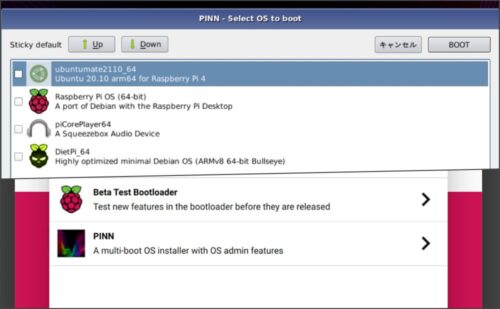
jsonファイルから抜き出すと大体こんな感じです。抜けていたらすみません。
このリストに載っているイメージファイルなら、Raspberry Pi で動作するよう簡単にmicroSDカードやUSBメモリー、SSDドライブへ書き込みができます。
いちいち個別にダウンロードしなくて良いので、昔に比べて楽になりました。
バグの情報など、githubを閲覧すれば見つかりますよ。
GitHub
GitHub - raspberrypi/rpi-imager at qml The home of Raspberry Pi Imager, a user-friendly tool for creating bootable media for Raspberry Pi devices. - raspberrypi/rpi-imager
v1.8.3で直ぐに気が付いたのはアイコンが変わったことくらい!